
Know what each project costs and earns.
CDT ExpenseTracker helps Canadian businesses track costs by business activity, project, client, crew, category, supplier and date. Connected with InvoicePilot, it gives you a clearer picture of how much you invoiced, how much you spent and what remains after project costs.
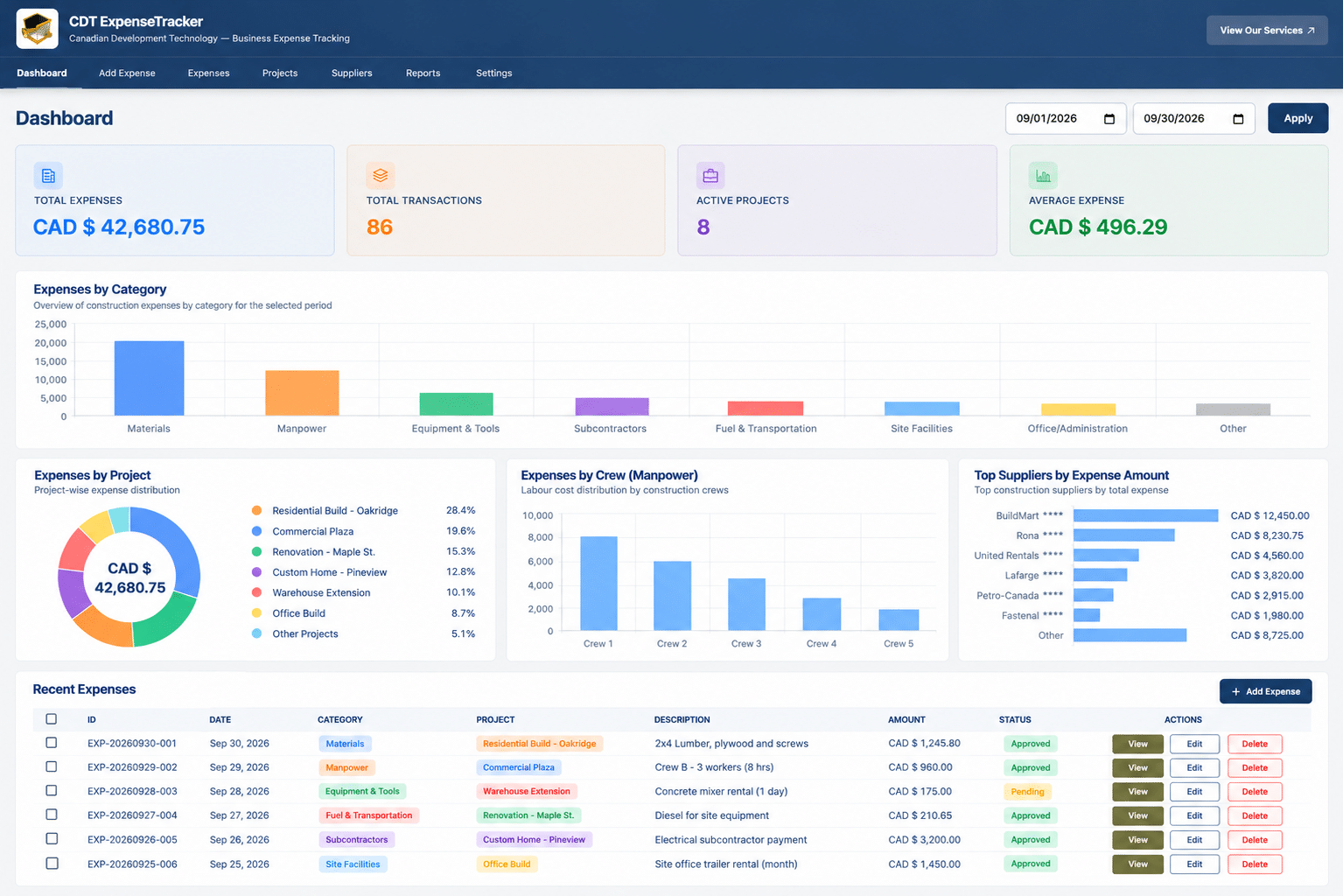
What is CDT ExpenseTracker?
CDT ExpenseTracker is a business expense and project cost tracking tool inside CDT Growth. It helps businesses record operational costs, organize them by the context that matters and create reports that make spending easier to understand.
Track the details behind every job and business activity
Build categories around the way your company actually works, then review the cost of each project, activity and customer relationship.
Business expenses
Record the everyday costs that keep your operation moving.
Projects and clients
Connect costs to a project or client for a clearer work-by-work view.
Activities and crews
Track labour, manpower, fuel, transportation and operating activity.
Suppliers and bills
Keep supplier spending, materials, equipment and bills organized.
See the project story from invoiced value to tracked cost
ExpenseTracker works alongside InvoicePilot so your team can review the value invoiced for a project and the costs recorded against it. Instead of seeing billing and spending in separate places, you can use a connected view to ask a more useful question: what did this project cost us compared with what we invoiced?
Make cost reporting practical for your next decision
Review expenses by month, year or a custom date range. Filter the view by category, project, crew, supplier or client, then export the information your business needs.
- Project and client cost reporting
- Expense categories and supplier summaries
- Labour, materials, equipment and travel visibility
- Excel, PDF and CSV report exports
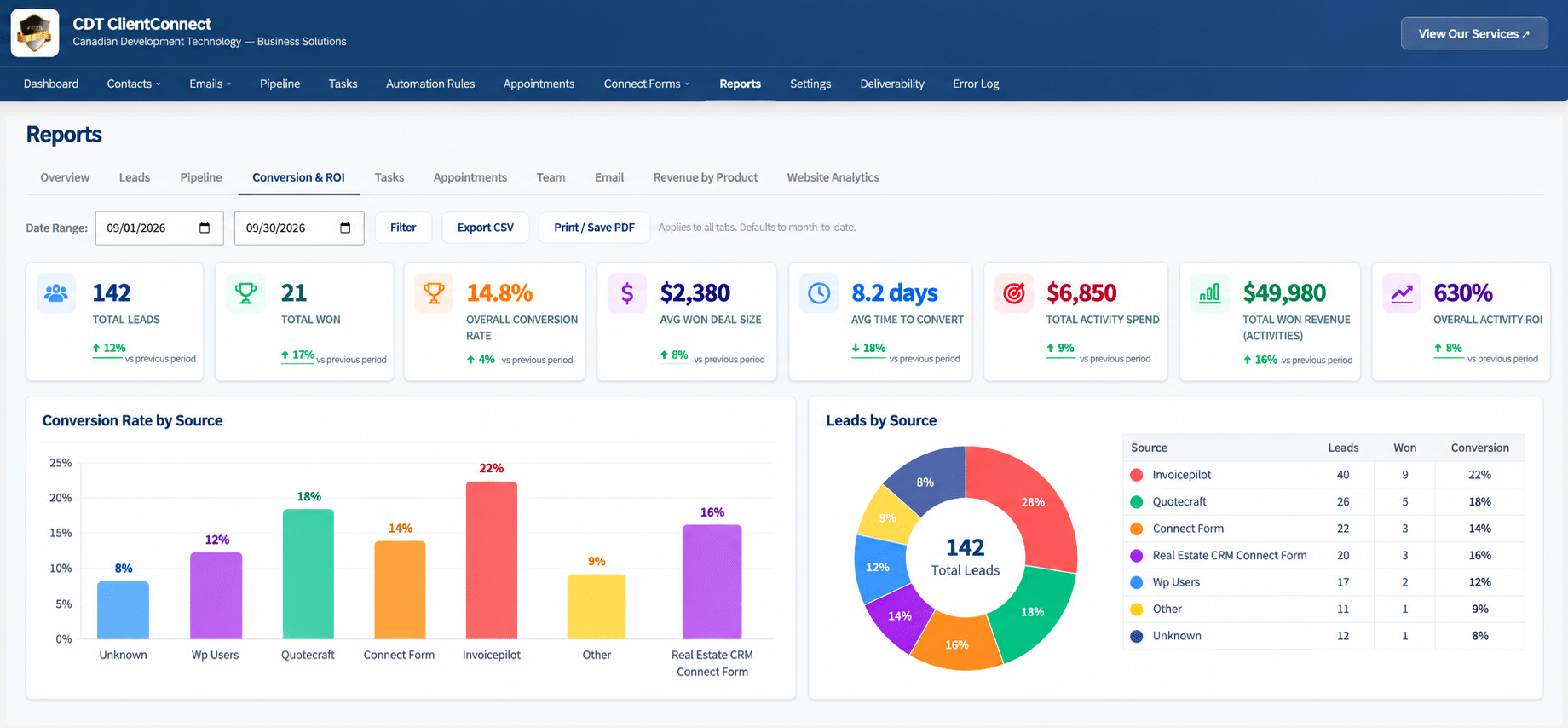
Use ExpenseTracker with CDT Growth or your current website
Growth Connect and Complete
ExpenseTracker is included from Growth Connect alongside connected CDT Growth tools.
Software Only
Keep your existing website and add CDT Growth tools without a required website rebuild.
Invoice connection
Use InvoicePilot alongside tracked project costs for a clearer profitability view.
Customer context
Connect with ClientConnect CRM to keep leads, projects and follow-up in view.
ExpenseTracker frequently asked questions
What is CDT ExpenseTracker?
ExpenseTracker is a CDT Growth tool for tracking business expenses and project costs by category, project, client, activity, crew, supplier and date range.
Can ExpenseTracker show project costs and invoiced value?
Yes. Connected with InvoicePilot, ExpenseTracker helps your business review tracked project costs alongside the value invoiced for that project.
What reports can I create?
You can review monthly, yearly or custom-date reports and export report information to Excel, PDF or CSV.
Can I use ExpenseTracker with an existing website?
Yes. CDT Growth Software Only is available for businesses that want CDT tools without a new CDT website.
Make every project easier to measure.
Talk to CDT about ExpenseTracker, InvoicePilot, web design, SEO and the connected tools behind CDT Growth.